by content@click4corp.com | Dec 18, 2025 | Uncategorized
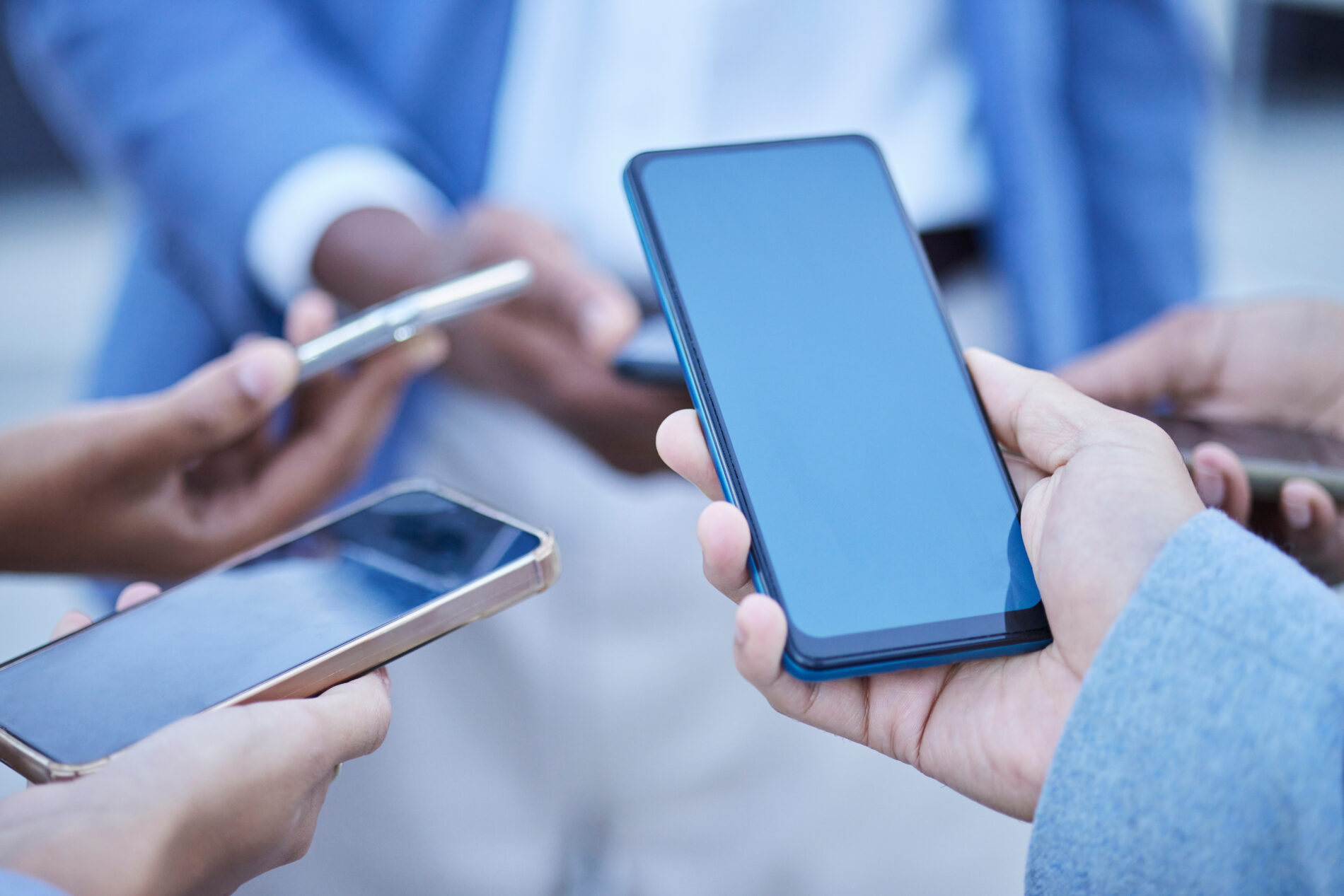
As companies grow, more employees use phones, tablets, and laptops for work every day. This is why so many business owners now ask, What is a mobile device management system? At Omega Analytics, we help teams understand how these tools keep data safe, make work easier, and support a mobile workforce without stress.
A mobile device management system, often called mobile device management (MDM), enables you to manage and secure smartphones, laptops, tablets, and other kinds of mobile devices throughout your company. It makes it easy to enroll devices, apply rules, protect corporate data, and wipe a device if it becomes lost or stolen.
What Does a Mobile Device Management System Actually Do?
A mobile device management system is software that helps companies manage mobile devices used for work. It works with different device types and many operating system options. You can use an MDM solution to configure settings, deploy apps, and apply security policies for your whole team.
Here are the core things an MDM system helps with:
Device Enrollment and Inventory
- Add devices to the system quickly
- Track every phone, laptop, or tablet
- Keep a full device inventory with real-time updates
Remote Management and Security
- Apply passwords and lock rules
- Wipe a device or gadget that has been stolen or lost
- Update security software across all devices remotely
- Block unsafe apps and content
App Control and Mobile Application Management
This helps you manage and secure mobile apps used for work. You can allow certain apps, block others, or update them without physical access to each device.
Support for BYOD Environments
Many companies use bring your own device, also known as BYOD. An MDM platform separates personal data from corporate data, enabling workers to use their own smartphones and tablets safely.
Unified Endpoint Management (UEM) Features
A modern mobile device management solution may also support unified endpoint management, enabling it to manage not only mobile devices but also desktops and other systems from a single console.
Why Managing Mobile Devices Is Important Today
Mobile devices have become a major part of work. Employees take them to meetings, client sites, and even home. This mobility creates more risk if there is no device management solution in place.
Here is why mobile management has become essential:
- Devices store and access corporate data
- Workers perform tasks on the go
- Cyber threats target unprotected devices
- Remote teams depend on secure access
- Companies must secure mobile devices to meet compliance rules
As mobile devices and systems keep changing, an effective MDM helps protect data and applications, supports fast work, and gives admins control from one management console.
How MDM Works
Many business owners want to understand how MDM works without getting lost in technical terms. Here is the easy version:
Install the MDM software – You set it up on a server or use a cloud MDM.
Enroll devices – Each phone, tablet, or laptop joins the system.
Apply rules and policies – This includes passwords, app rules, and security features.
Monitor devices across your company – You check activity, updates, and alerts.
Manage everything remotely – You can lock, track, or wipe a device when needed.
The system allows management of different device types from a single platform and supports many OS options. It gives admins control and gives employees a smooth user experience.
Key Features Found in Most MDM Tools
Security Features
- Passcode enforcement
- Data encryption
- Antivirus software setup
- Lost or stolen device lock
Management Features
- App deployment
- Configure device settings
- Update OS versions
- Block unsafe actions
Mobile Content Management
This helps control files stored on the device and makes sure important data does not fall into the wrong hands.
Identity and Access Management
This confirms the right user is using the right device for the right task.
Examples of Mobile Device Management Systems
If you are wondering what an example of an MDM looks like, here are some well-known options:
- Microsoft Intune
- VMware Workspace ONE
- IBM MaaS360
- Cisco Meraki
- MobileIron
These popular platforms demonstrate how mobile device management has evolved into a robust, easy-to-use framework that suits many industries.
Cloud MDM vs On-Premises MDM
You can choose between cloud-based options and on-premises setups.
Cloud MDM
- Quick to deploy
- Easy to scale
- No server hardware needed
On-Premises MDM
- Full local control
- Good for companies with strict security rules
- Works for businesses with private networks
Both options offer strong management features, and both support the needs of a mobile workforce.
What MDM Helps Protect
An effective MDM solution helps secure mobile devices, data, and apps. It protects:
- Corporate data
- Stored files
- Email access
- Work apps
- Login credentials
- Devices used inside and outside the office
This is why many businesses now use MDM, UEM, and other mobile security tools as part of their daily operations.
Who Should Use an MDM Solution?
MDM is helpful for:
- Growing companies
- Businesses with remote teams
- Companies with many personal devices in use
- Teams that use smartphones and tablets heavily
- Companies that handle private or sensitive data
An MDM solution is used to provide safety, control, and smooth operations for companies that depend on mobile devices to get work done.
Final Thoughts
Understanding what a mobile device management system is can help you keep your business safe, organized, and ready for growth. These tools help you manage and secure mobile devices, protect work data, support remote teams, and keep your device inventory under control. As mobile devices continue to grow in the workplace, an effective MDM solution becomes one of the strongest ways to support your mobile workforce and protect your company.
FAQs About Mobile Device Management
What does an MDM system do?
It helps manage and secure work mobile devices. It allows admins to configure settings, deploy apps, apply security rules, and protect corporate data.
Is it legal to remove MDM?
Removing MDM from a company-owned device is usually against company rules. Removing it from personal devices depends on your employer’s policy.
What is an example of an MDM?
Microsoft Intune, IBM MaaS360, and VMware Workspace ONE are common examples.
Can mobile device management see browsing history?
Most systems do not monitor the full browsing history. They may only see blocked or unsafe sites depending on company policies.
What are some mobile device management tools?
Tools include cloud MDM platforms, on-premises management software, and unified endpoint systems.
Can MDM access personal data?
Most setups separate personal and work data, especially in BYOD environments.
Do small businesses need an MDM?
Yes, even small teams benefit from secure device control and simple remote management.
Stay Secure With Omega Analytics
If you want a trusted partner who can help you manage mobile devices, protect your data, and support your mobile team, Omega Analytics is here to help. We offer strong device management services, cloud MDM, mobile security setups, and full support for your enterprise mobility needs.
We proudly serve businesses in your area and offer solutions that fit many device types and systems.
Call us today at (469) 972-5883 to set an appointment and learn how we can make your device management smooth, safe, and stress-free.
Also Read:
Why Is Technology and Data Analytics Essential for Modern Enterprises?
What Are 10 Powerful Applications of Big Data Analytics?
How Can Data Management Consulting Triple Growth?
by content@click4corp.com | Dec 15, 2025 | Uncategorized
At Omega Analytics, we often help businesses answer a simple question: What is an example of a remote device? In today’s world, remote devices are everywhere from smartphones in your pocket to smart sensors in your office. Understanding how these devices work and how to manage remote devices well is key to secure, efficient operations.
What Are Remote Devices — And Why They Matter
A remote device is any electronic gadget that you can access, control, or monitor from a distance, usually over the internet or a private network. These devices can include:
- Mobile devices like smartphones and tablets
- Laptops or desktops using remote desktop software
- IoT devices (Internet of Things) such as smart sensors, industrial machines, or wearables
- Network devices like routers, switches, or access points
Having these remote devices enables remote work, remote support, and real-time remote monitoring, all of which help businesses run smoothly even when teams are not in the same place.
Concrete Examples of Remote Devices
Here are some common types and examples of remote devices you might run into:
-
Android device or iOS mobile
-
-
- Think of a smartphone or a tablet that employees carry. These are classic mobile devices.
- Your IT team can manage devices like these using a mobile device management (MDM) software to push updates or lock a lost device.
-
Laptop or Desktop via Remote Desktop
-
-
- A remote worker uses a remote desktop tool to access their office computer from home.
- This gives them secure remote access so they can control the device, run apps, and view files as if they were in the office.
-
-
- Devices such as temperature sensors, smart cameras, or connected machinery.
- These IoT devices send data in real time, and you can monitor device health or get alerts through a remote device management solution.
-
-
- Routers, access points, and switches that are spread out across branches.
- With remote device management tools, IT can patch, configure, or reboot those devices from a central location.
-
- Even your smart thermostat or smart light bulb qualifies if you access and control it via an app from anywhere.
- These remote control devices may need management to ensure security and proper usage.
Why Knowing Examples of Remote Devices Is Important
Understanding what counts as a remote device helps you build a stronger remote device management strategy. Here’s why it matters:
- Security: If you know which devices are remote, you can apply access control, secure remote access, and remote monitoring to protect them.
- Efficiency: With a remote device management platform, you can manage devices from a single dashboard — saving time and reducing errors.
- Scalability: As your business grows, you may add more network devices, IoT devices, or mobile devices. A good management solution scales with you.
- Support: For remote employees, remote support tools let IT troubleshoot device usage issues without waiting for someone to bring in the hardware.
Benefits of Remote Device Management
Using a robust remote device management platform (like the one offered by Omega Analytics) brings clear advantages:
- Real-time alerts: Get notified about device health issues or unauthorized access.
- Patch management: Update firmware or software across all devices from anywhere.
- Version control: Ensure every device uses approved versions of apps or operating systems.
- Group-based control: Organize devices into teams or departments for easier management.
- Secure remote access: Use encrypted channels so remote control is safe and reliable.
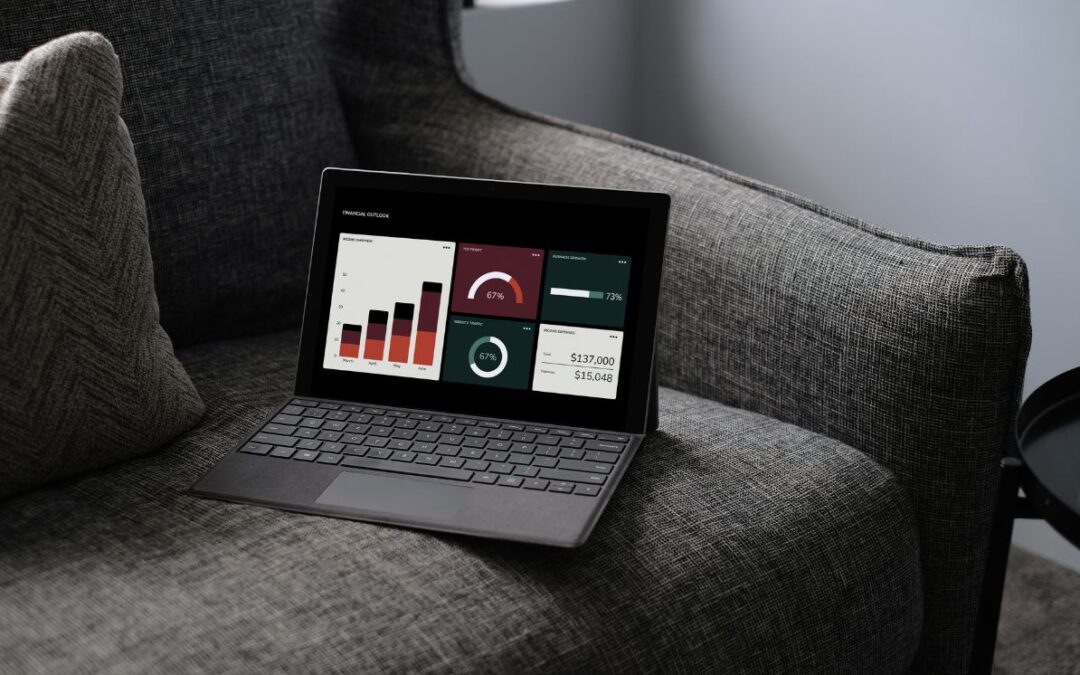
- Custom dashboards: Monitor the performance of IoT devices, mobile devices, or network gear in a single view.
Challenges in Managing Remote Devices
Of course, there are some hurdles when you deal with remote devices:
- Diverse device types: Managing everything from Android phones to industrial IoT gear can be tricky.
- Lost or stolen devices: Without proper security, lost devices can lead to data leaks.
- Network reliability: Remote devices depend on good connectivity, and issues can interrupt access or monitoring.
- Scalability pain: As you add more devices, simple or manual tools can become too slow or disorganized.
- Access risks: Poorly managed remote access tools can become a vulnerability without strict access control.
A strong remote device management tool is essential to overcoming these challenges while keeping your operations smooth.
How to Manage Remote Devices Effectively
Here’s a simple guide for building a remote device management strategy that works:
Use a remote device management solution that supports mobile device management, network devices, and IoT.
- Use remote access software.
Tools like remote desktop or remote control help you provide secure remote support and access devices.
- Set up monitoring and alerts.
With remote monitoring, you can watch device health, performance, and usage in real time.
- Organize and group devices.
Create groups by type (mobile, IoT, routers) or by department (sales, operations) to manage them effectively.
- Enforce security policies
Apply access control, require strong authentication, and enable secure remote access only for trusted users.
Use patch management to keep all devices up to date without manual intervention.
Teach remote employees best practices: how to use remote access, how to report lost devices, and how to manage device usage.
Make sure your management tools can scale as you add more and different devices.
Why Choose Omega Analytics for Remote Device Management
When it comes to managing remote devices, Omega Analytics stands out:
- We offer a remote device management platform that unifies all your devices — mobile, IoT, and network gear — into one easy-to-use console.
- Our remote access tools let you control devices from anywhere in real time.
- We provide real-time alerts, version control, and patch management to keep your devices secure and compliant.
- For IoT or smart devices, we deliver robust remote monitoring using custom web portals tailored to how you want to view and manage devices.
- We handle wireless network management, so your routers and access points stay fast, stable, and safe.
- Our platform is designed to support businesses of all sizes. We help you manage a large number of devices efficiently, even as you grow.
Best Practices in Remote Device Management
To keep things running smoothly, here are some best practices we recommend:
- Use a zero-trust security model — always verify users before giving access.
- Group devices smartly — by user role, device type, or location.
- Disable remote access when not needed — reduce risk by limiting always-on connections.
- Encrypt communications — make sure remote control and remote desktop tools use strong encryption.
- Regularly review device health — check alerts and logs to catch issues early.
- Train employees — set clear policies for remote work, lost devices, and device usage.
Summary
So, what is an example of a remote device? It could be anything from:
- An Android phone that your team uses while working remotely.
- A remote desktop setup so you can access office computers
- IoT sensors in your building reporting real-time data
- Network devices like routers, which you administer remotely
These remote devices are crucial in today’s work environment, and managing them well ensures security, efficiency, and peace of mind.
At Omega Analytics, our remote device management solution helps you monitor and control devices remotely, whether they’re mobile, desktop, or IoT. Our platform gives you real-time insights, access control, and secure remote access — all from a single, centralized console.
Frequently Asked Questions (FAQs)
What devices count as a remote device?
Remote devices are any electronic gadgets you can access or control from a distance — like smartphones, laptops, IoT sensors, or routers.
Why does remote device management matter?
It helps keep all devices secure, lets you support remote workers, and ensures device health through real-time monitoring.
Can I manage Android devices remotely?
Yes , with mobile device management (MDM) software, you can push updates, enforce security, and monitor device usage on Android devices.
How do I securely control a remote desktop?
Use remote access software with encrypted connections and strong access control policies. This lets authorized users safely access devices.
Do IoT devices need special remote management?
Absolutely. IoT devices often require continuous remote monitoring, firmware updates, and access control, which specialized remote device management platforms can provide.
What are the challenges of managing remote devices?
Challenges include handling a diverse range of devices, ensuring lost devices are secured, keeping networks reliable, and scaling your management as you grow.
Take Action — Partner with Omega Analytics
If you’re ready to manage remote devices efficiently and securely, let Omega Analytics help. We offer a full-featured remote device management platform that supports mobile devices, IoT monitoring, network device control, and remote support.
We serve businesses in Texas and beyond, offering tools to monitor device health, provide secure remote access, and control devices from anywhere.
Let us help you manage devices smarter, safer, and more effectively — so your team can stay connected and secure, no matter where they may be. Want to learn more? Call us at (469) 972-5883 or book a consultation today!
Also Read:
Why Is Technology and Data Analytics Essential for Modern Enterprises?
What Are 10 Powerful Applications of Big Data Analytics?
How Can Data Management Consulting Triple Growth?